Blossom Word Game
Publisher Description
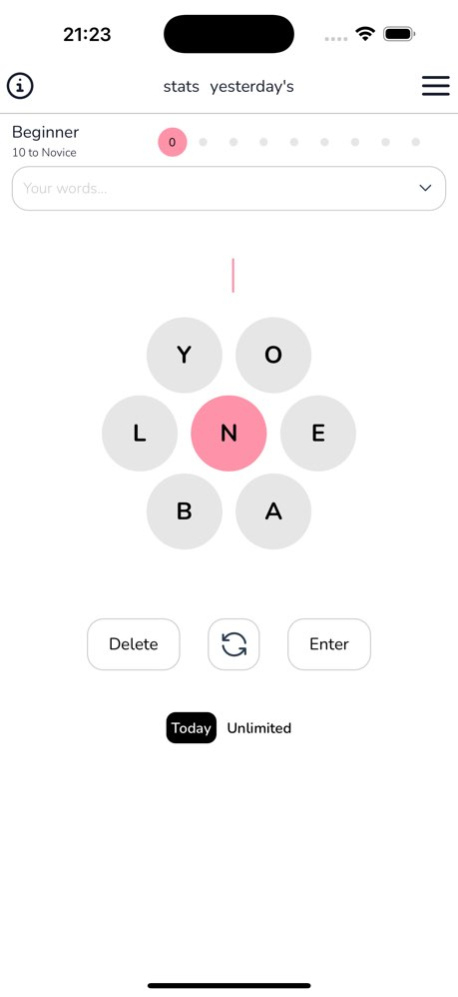
Blossom Word Game: Daily & Unlimited
Sharpen your mind and test your vocabulary in Blossom Word Game, the fun and challenging word puzzle game where every word you create brings you closer to victory!
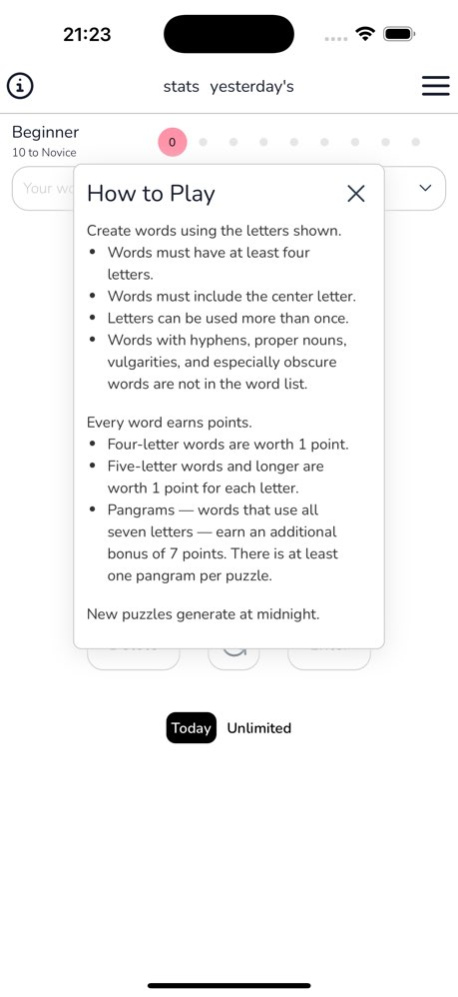
How to Play
- Create words using the letters shown.
- Words must have at least four letters and must include the center letter.
- Letters can be used more than once.
- Words must follow the rules: no hyphens, no proper nouns, no vulgarities, and no obscure words.
Every Word Earns Points:
- Four-letter words are worth 1 point.
- Five-letter words and longer are worth 1 point per letter.
- Pangrams (words that use all seven letters) earn an additional 7-point bonus! - - There's at least one pangram per puzzle.
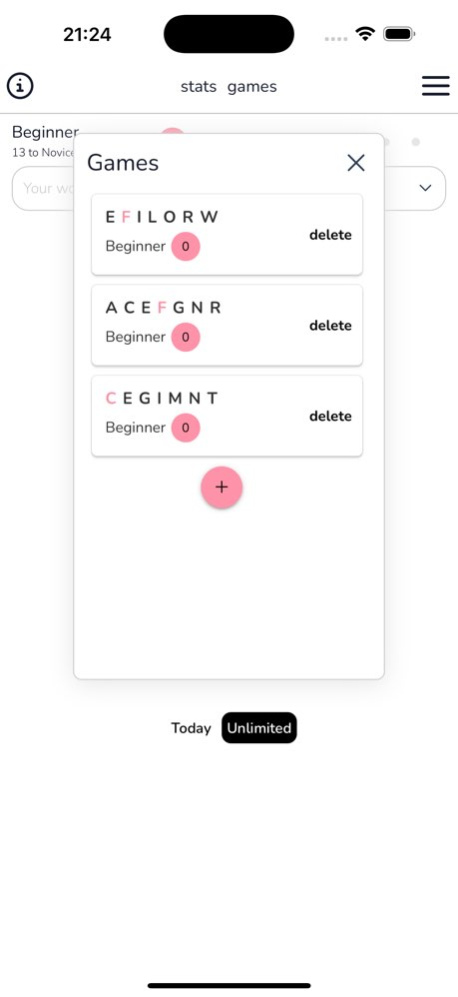
A new daily blossom game is generated at midnight, so there's always a fresh challenge waiting for you! You can also play in unlimited mode to practice for free.
#blossom #spellbee #wordflower #spellingbee
About Blossom Word Game
The company that develops Blossom Word Game is Quynh Dau. The latest version released by its developer is 1.0 .
To install Blossom Word Game on your iOS device, just click the green Continue To App button above to start the installation process. The app is listed on our website since 2026-10-06 and was downloaded 0 times. We have already checked if the download link is safe, however for your own protection we recommend that you scan the downloaded app with your antivirus. Your antivirus may detect the Blossom Word Game as malware if the download link is broken.
How to install Blossom Word Game on your iOS device:
- Click on the Continue To App button on our website. This will redirect you to the App Store.
- Once the Blossom Word Game is shown in the iTunes listing of your iOS device, you can start its download and installation. Tap on the GET button to the right of the app to start downloading it.
- If you are not logged-in the iOS appstore app, you'll be prompted for your your Apple ID and/or password.
- After Blossom Word Game is downloaded, you'll see an INSTALL button to the right. Tap on it to start the actual installation of the iOS app.
- Once installation is finished you can tap on the OPEN button to start it. Its icon will also be added to your device home screen.
